
Скриншоты

Сведения о приложении
- Обновлено
- Jul 23, 2024
- Язык
- English
- Разработчик
- ROBLOX Corporation
- Категория
- Mobile
SoftPas на:
Этот продукт также доступен на следующих языках:
О Roblox Studio
Скачать Roblox Studio – создание игр, Roblox, 3D‑моделирование, разработка игр, создание контента
Обзор
Roblox Studio — это мощное мобильное приложение, разработанное компанией Roblox, предназначенное для предоставления пользователям инструментов, необходимых для создания игр, 3D‑моделирования и разработки контента в экосистеме Roblox. Как утилита, ориентированная на продуктивность, приложение служит входной точкой для начинающих разработчиков и креативных людей, позволяя им проектировать, тестировать и публиковать интерактивные опыты для платформы Roblox. Оно отвечает на растущий спрос на доступные инструменты разработки игр, предлагая упрощённую среду, поддерживающую как новичков, так и опытных создателей.
Приложение особенно ценно для пользователей, интересующихся построением захватывающих виртуальных миров, разработкой игровых механик или исследованием цифрового создания контента. Будь то образовательные цели, личные проекты или потенциальная монетизация, Roblox Studio позволяет пользователям превращать творческие идеи в функциональные цифровые опыты. Его интеграция с более широким сообществом Roblox гарантирует, что созданный в приложении контент может быть распространён и наслаждаться широкой аудиторией.
Как инструмент, разработанный Roblox, приложение выигрывает от установленной инфраструктуры компании и её приверженности поддержке разработчиков. Разработчик не предоставил дополнительных технических деталей о внутренней архитектуре приложения или конкретных рабочих процессах разработки. Тем не менее, его наличие на платформе Android свидетельствует о стратегическом стремлении расширить доступ к творчеству за пределы настольных сред.
Ключевые функции и возможности
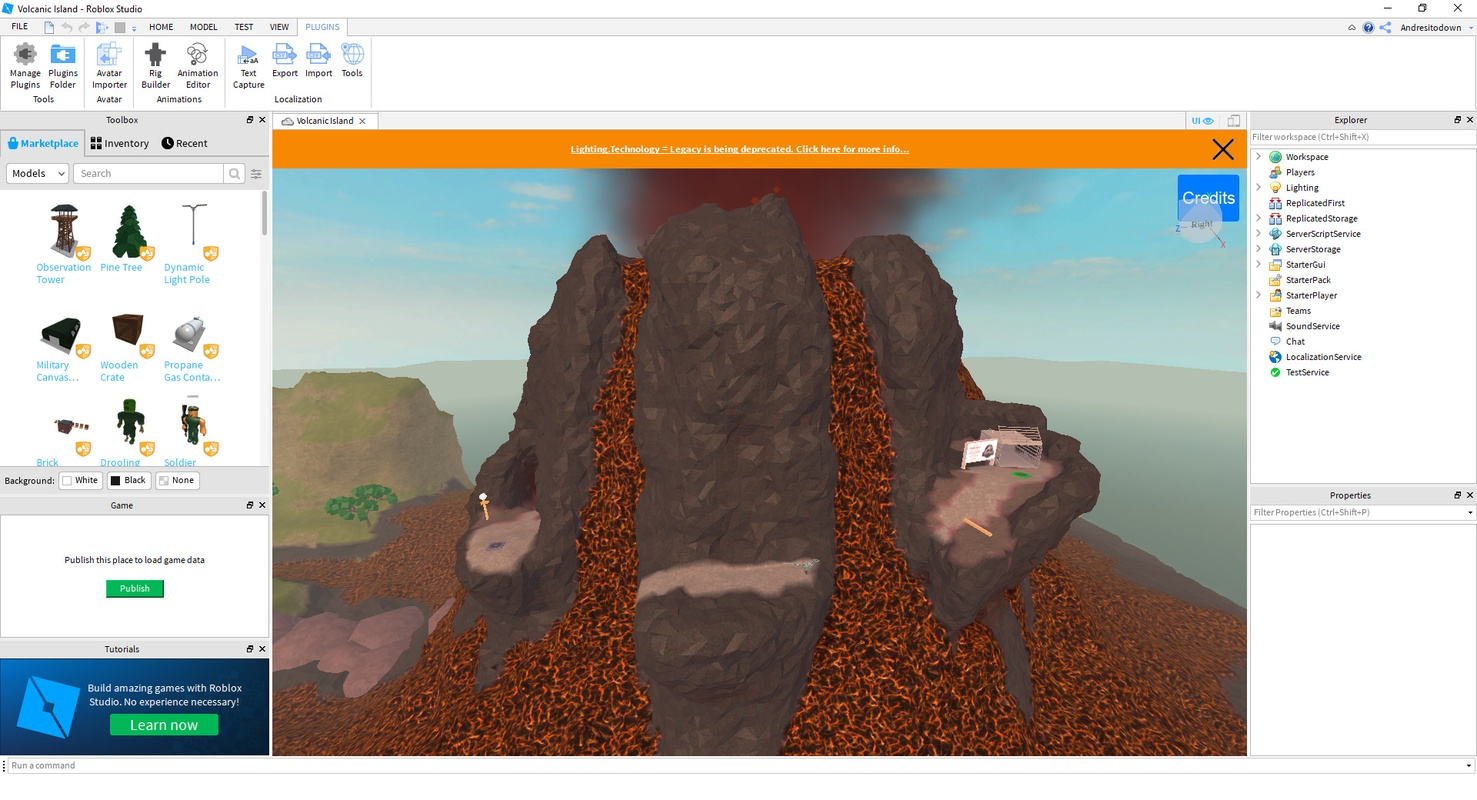
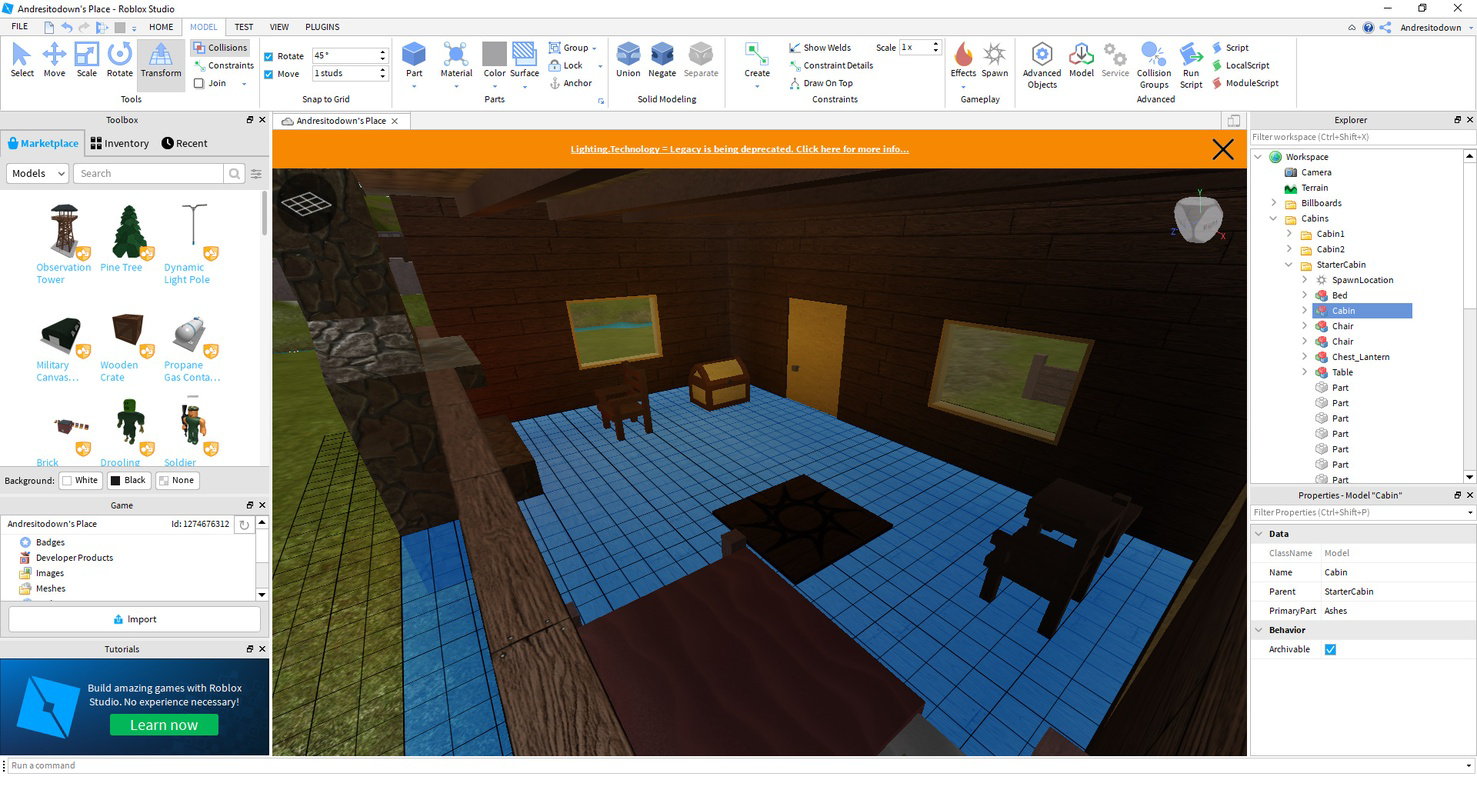
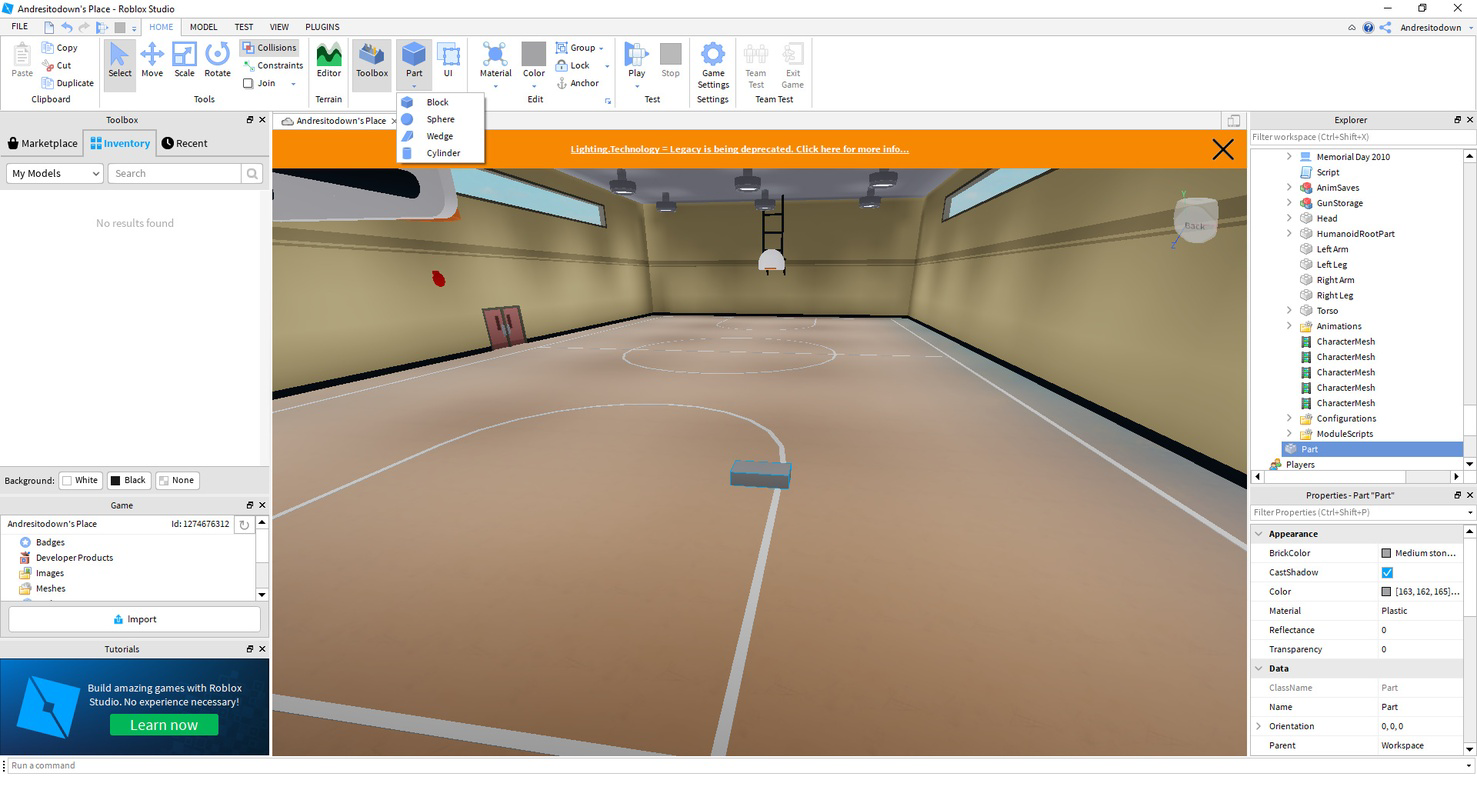
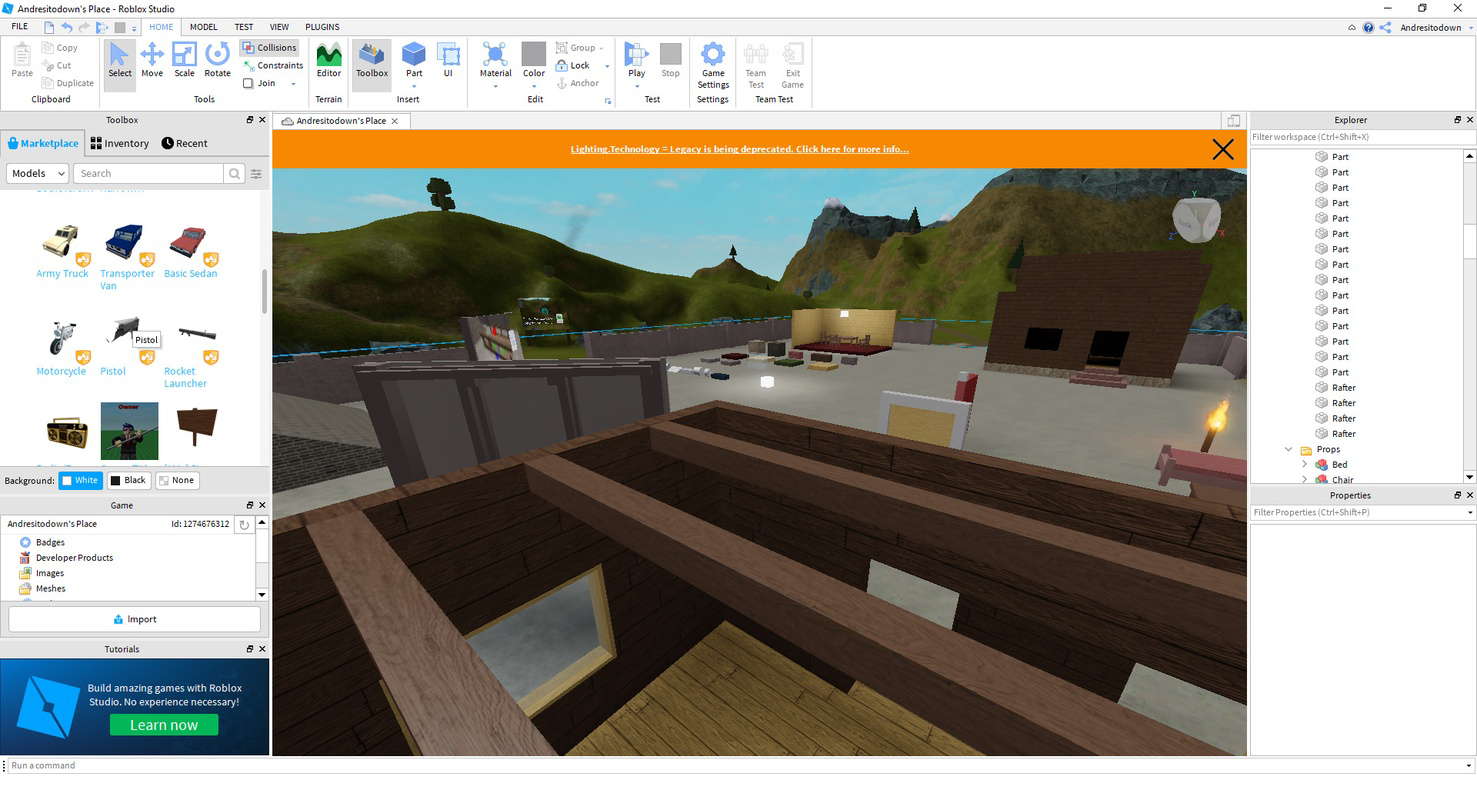
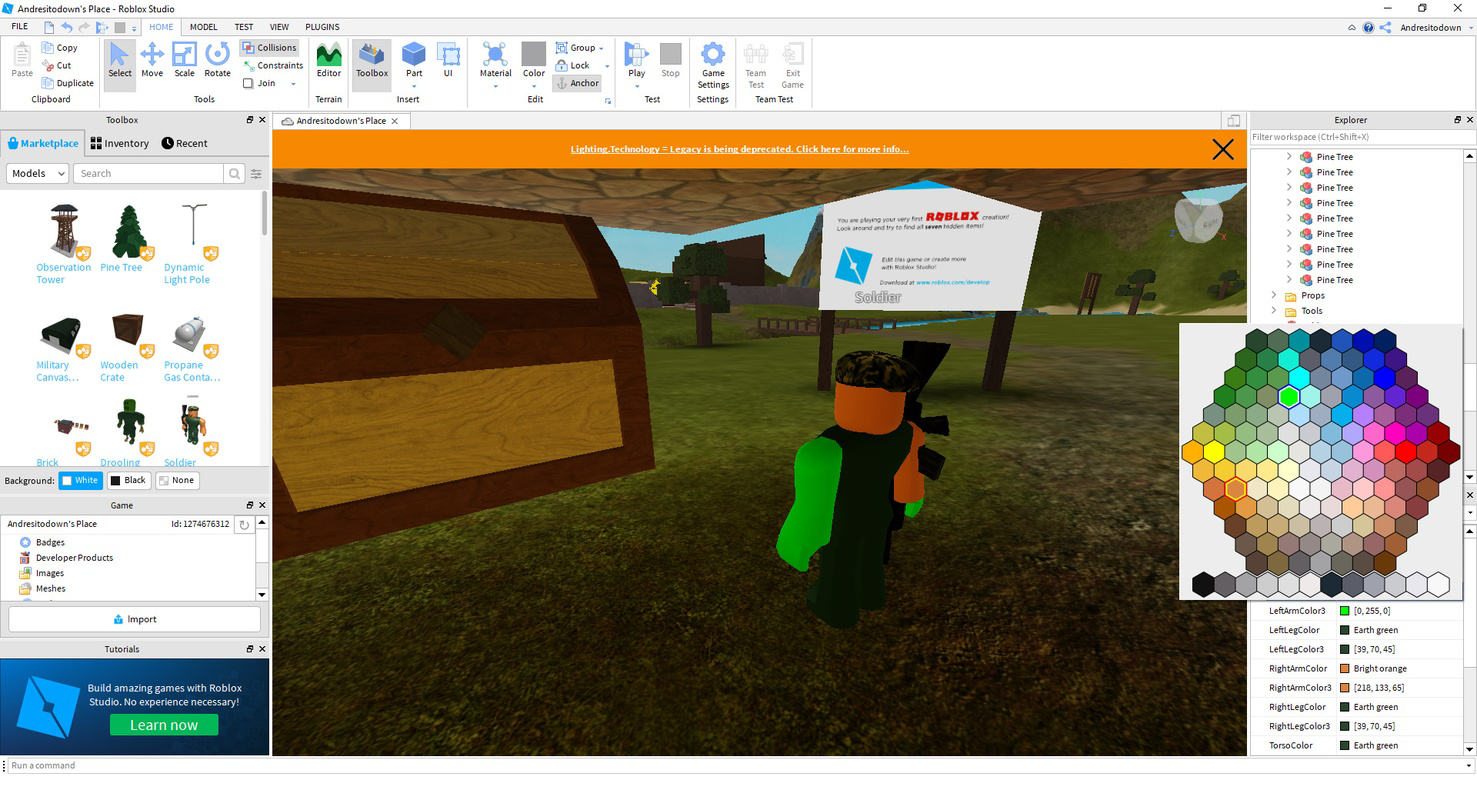
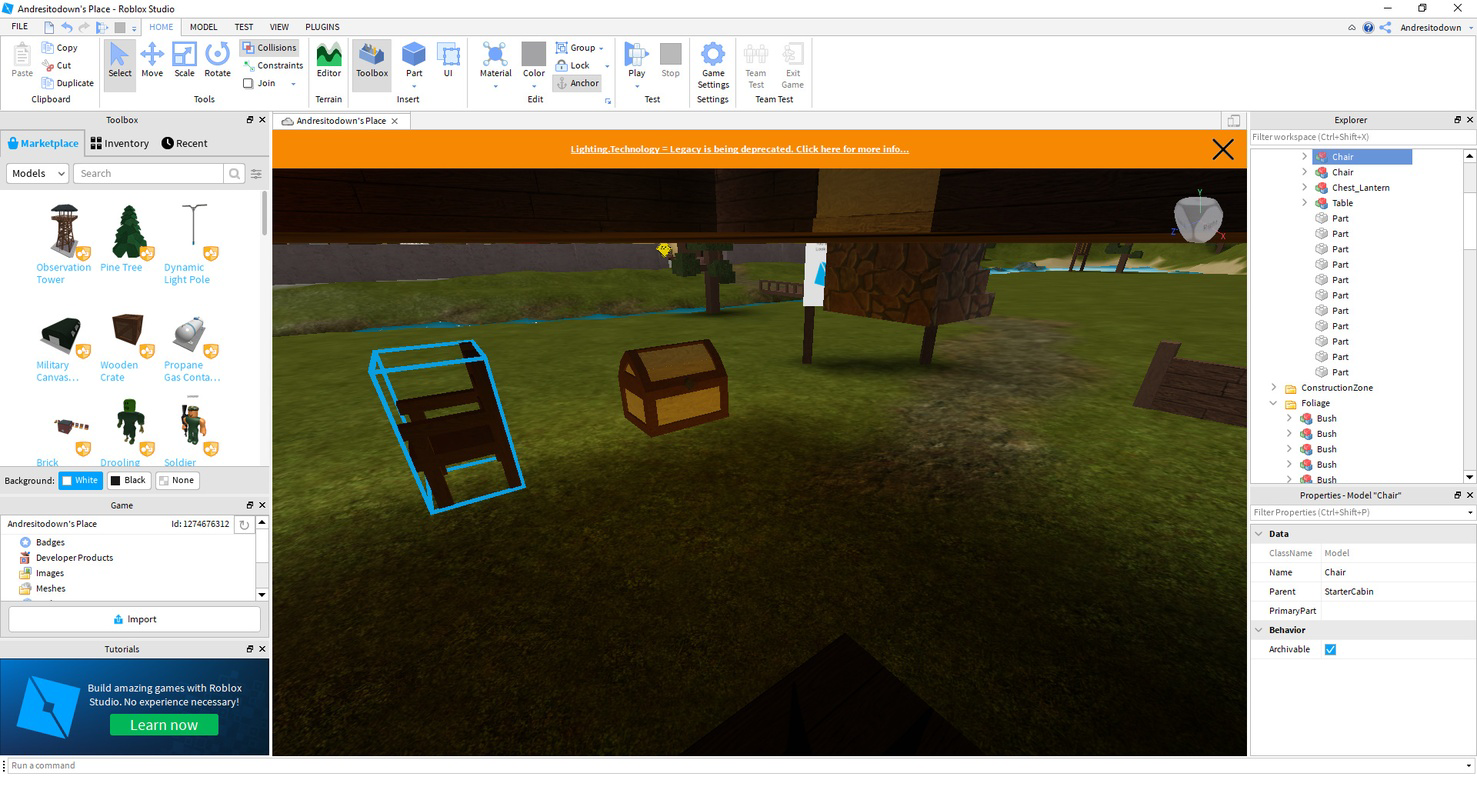
- User-Friendly Interface: Roblox Studio features a clean layout with a central preview window, a left-side toolbox, and a right-side element explorer. This intuitive structure allows users to efficiently select, position, and modify game elements without requiring prior experience in software development.
- Endless Customization: Users can create custom 3D models, scripts, and interactive environments from scratch. This level of flexibility supports the development of unique gameplay mechanics, visual designs, and narrative-driven experiences tailored to specific audiences.
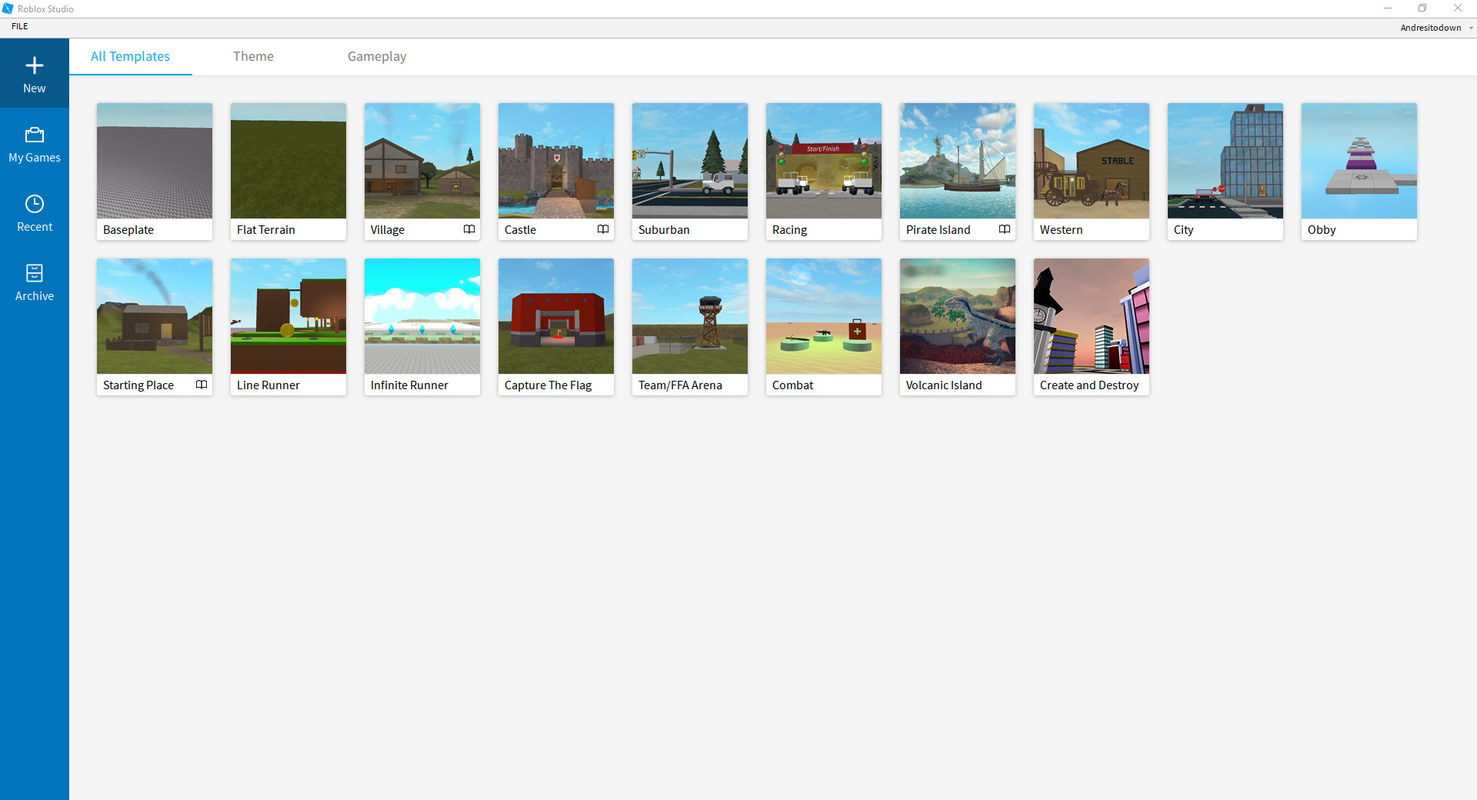
- Helpful Templates: Pre-built templates serve as starting points for various game genres, settings, and structures. These templates reduce development time and help new creators understand foundational design principles while accelerating the prototyping process.
- Monetization Opportunities: Creators can publish their projects on the Roblox platform and earn revenue through user engagement, in-app purchases, or direct sales. This feature incentivizes high-quality content creation and supports a sustainable creative economy.
- Cross-Platform Sharing: Projects developed in Roblox Studio can be deployed across multiple devices, including smartphones, tablets, and computers. This ensures broad accessibility and maximizes the reach of user-generated content.
For example, a student learning game design could use the template system to build a simple obstacle course, then customize it with unique visuals and scripts. Similarly, a hobbyist developer might use the 3D modeling tools to design a fantasy city and share it with a global audience through the Roblox platform.
Interface, UX & Performance
Roblox Studio’s interface is designed with clarity and functionality in mind. The central preview window provides a real-time view of the project, while the toolbox and element explorer offer quick access to essential tools and components. Navigation is consistent across screens, supporting a smooth workflow for users at all skill levels.
The visual style is minimalistic yet highly functional, prioritizing usability over decorative elements. This approach ensures that users can focus on content creation without distraction. The app’s responsiveness is evident in how quickly elements are rendered and how smoothly the interface adapts to user inputs.
Although the developer did not list formal performance metrics, the app operates efficiently within the constraints of mobile hardware. Stability appears to be maintained across different device categories, though specific requirements were not disclosed. Users may experience variations in performance depending on device capabilities, but the app remains accessible for most Android devices.
Platform Compatibility & Technical Requirements
Roblox Studio is available on the Android platform and requires a compatible device to operate. The current version is 2.228.0.1011, with a file size of 126.9 MB. This indicates a relatively lightweight installation, making it accessible even on devices with moderate storage capacity.
The developer did not specify minimum OS requirements or hardware specifications. As such, users should ensure their Android device meets general compatibility standards for running modern mobile applications. The app’s availability on Android suggests a focus on mobile-first content creation, allowing users to develop and manage projects on the go.
Pros and Cons
Pros
- Intuitive interface designed for ease of use across skill levels
- Supports full game creation and 3D modeling directly on mobile
- Offers templates to accelerate the development process
- Enables monetization through the Roblox platform
- Facilitates cross-platform sharing and accessibility
Cons
- Specific system requirements were not listed by the developer
- Mobile version may have limitations compared to desktop counterparts
- Performance may vary depending on device capabilities
- Advanced features may require prior knowledge of scripting and design
- Limited information on update frequency or future roadmap
FAQ
Is Roblox Studio free to download and use?
Yes, Roblox Studio is available at no cost. Users can download and use the app to create and publish content without any upfront payment.
Can I use Roblox Studio on iOS devices?
The current information indicates that Roblox Studio is available on Android. The developer did not specify availability on iOS or other platforms.
What kind of content can I create with Roblox Studio?
Users can create games, 3D environments, interactive experiences, and custom assets for the Roblox platform. The app supports a wide range of creative projects, from simple games to complex virtual worlds.
How do I publish my creations using Roblox Studio?
Once a project is complete, users can share it directly through the Roblox platform. The app integrates with Roblox’s publishing system, allowing content to be made available to other users.
Is Roblox Studio secure to download and install?
Yes, Roblox Studio is developed by Roblox and distributed through official channels. It is considered a secure tool when downloaded from trusted sources.
Final Thoughts
Roblox Studio stands out as a powerful mobile solution for game creation, 3D modeling, and content development within the Roblox universe. Its user-friendly interface, combined with robust functionality and monetization potential, makes it an ideal tool for students, hobbyists, and emerging developers. While the mobile version may not offer the full depth of the desktop experience, it delivers a compelling entry point for creative exploration on the go.
For anyone interested in learning game development or building interactive experiences, Roblox Studio provides a valuable platform to experiment, innovate, and share. Its integration with the Roblox ecosystem ensures that creations can reach a global audience, turning imagination into tangible digital experiences.
Download Roblox Studio now
Руководства и уроки
Как установить Roblox Studio
- Нажмите кнопку Скачать выше.
- После перенаправления примите условия и нажмите Установить.
- Дождитесь завершения загрузки Roblox Studio на ваше устройство.
Как использовать Roblox Studio
Это ПО в основном используется для основных функций, описанных выше. Откройте приложение после установки, чтобы изучить его возможности.
Отзывы пользователей
Отзывов пока нет. Поделитесь своим опытом первым.
Вам также может понравиться
еще
Que no te pillen¡
About !Que no te pillen¡Reviewed by Jason A. BilbreyShow MoreShow Less

3D Combat Zone
About 3D Combat ZoneOriginally released in 1983, 3D Combat Zone immerses players...

666: El día del portal
About 666: El día del portalOn June 6, 2006, Agent P. Stone uncovers a sinister...

80 in 1 Best Flash games
About 80 in 1 Best Flash games 80 in 1 Best Flash games is a collection of 80 fl...

ABYSS SEEKERーーWhat Do You See Deep in The Abyss
About ABYSS SEEKERーーWhat Do You See Deep in The AbyssIn ABYSS SEEKER, players...

ACA NEOGEO THE KING OF FIGHTERS 2002 for Windows
About ACA NEOGEO THE KING OF FIGHTERS 2002 for WindowsTHE KING OF FIGHTERS 2002,...